InVideo AI Script Generator Review: Choosing an Alternative
A practical review of InVideo's script workflow, the handoff into video production, and when a focused script writer is easier to use.


An InVideo AI Script Generator review is useful when you are deciding between two different jobs: drafting the words for a video and moving those words into a production workflow. InVideo's public script page describes a path that starts with a topic, audience, length, tone, and required points, then lets you shape the opening, story, and ending before moving into video production. That is broader than a writing-only tool.
The distinction matters because a script generator, a script-to-video workflow, and a transcript tool solve different problems. This guide keeps the InVideo AI Script Generator as the brand subject, explains what its public pages actually say, and then shows when a focused alternative is the cleaner choice. It does not claim that InVideo makes every draft accurate, original, or ready to publish without review.
Quick answer
The InVideo AI Script Generator is most relevant when you want to turn a video idea into a script and continue toward scenes, narration, captions, and an edit. The official workflow asks you to describe the video, request a script, review the structure, and ask for specific revisions. Its public call to action opens an InVideo project, so this is a production workflow rather than a lightweight no-account writing page.
If you already know the topic and only need a recordable draft, compare the same brief in InVideo and a focused writer. Keep the option that preserves your evidence, gives you a usable structure, and leaves the least cleanup before recording. Start with a YouTube script draft
What the InVideo AI Script Generator actually does
The clearest way to judge the InVideo AI Script Generator is to separate the public product description from assumptions about quality. The official page describes a sequence of inputs and revisions; it does not guarantee a finished video or a particular result.
A video-first brief
InVideo asks for the topic, audience, intended length, tone, and points the script must cover. That context is useful when the draft is heading toward scenes and narration, but it is more setup than you need for a quick paragraph or voiceover outline.
An opening, story, and ending
The public script page frames the draft around the opening, the body of the story, and the ending. These are sensible checkpoints for a video, yet you still need to test whether the opening makes a specific promise and whether the ending gives the viewer one clear next step.
Revision inside a wider workflow
The documented flow lets you ask for changes after the first script. That can reduce copy-and-paste between a writer and an editor. It also means the value is tied to your willingness to review the draft and specify what must change.
A handoff into production
InVideo positions the script as the start of production. Its help documentation explains that you can paste an existing script, set media, music, subtitle, and language preferences, and proceed to video generation. Treat that handoff as a separate decision from the quality of the words.
Account and access are part of the fit
The public page sends visitors into an InVideo project or signup flow. Access, credits, plan limits, and available agents can change, so confirm the current product conditions before building a recurring process around a particular feature.
A draft still needs an editor
The InVideo AI Script Generator can organize a brief, but it cannot know which claims you can prove, which examples sound like your channel, or which visuals you have permission to use. Read the result aloud, check every important fact, and replace generic scenes with evidence.
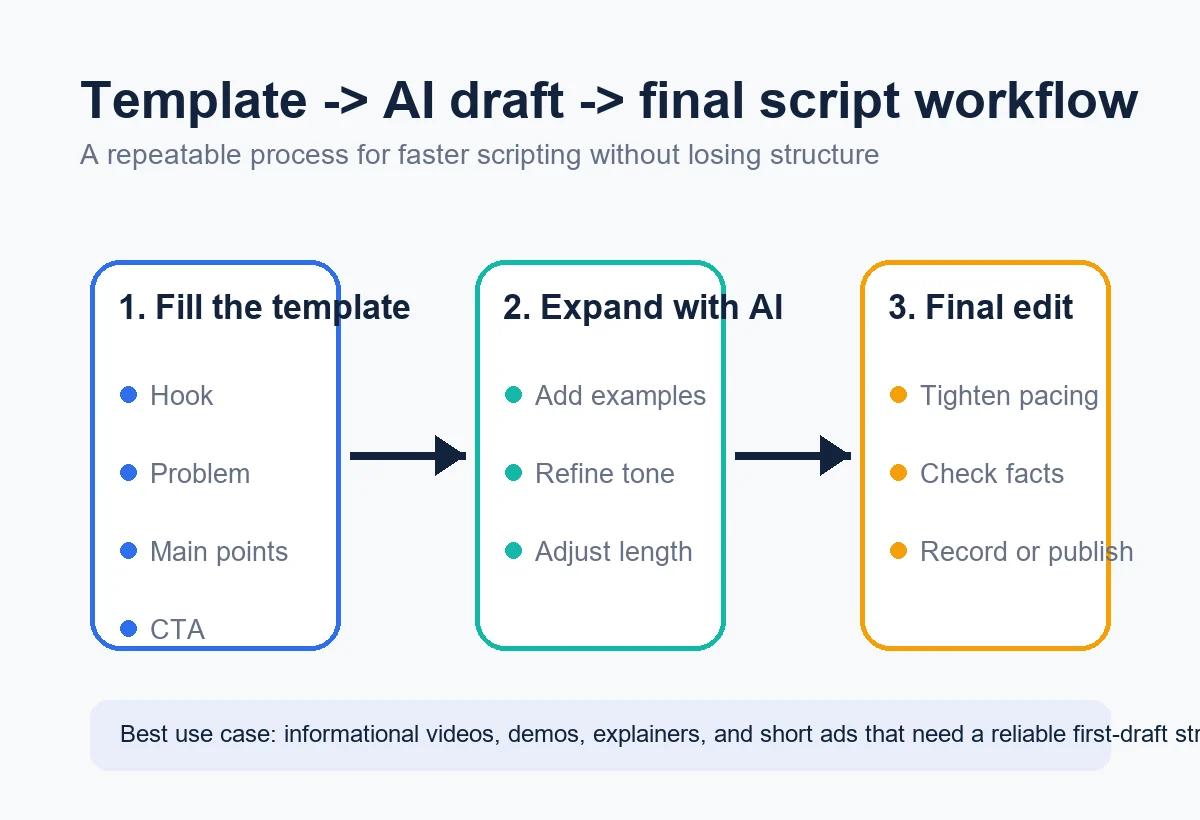
InVideo AI vs. a focused script-writing alternative
This comparison is about workflow fit, not a claim that one model writes better. The InVideo row reflects its public script page and documentation. The alternatives describe what changes when your only goal is a structured, editable script.
| Option | Best for | Useful strength | Tradeoff | Details |
|---|---|---|---|---|
| InVideo AI Script Generator | Creators who want a script connected to a video-production flow | The public workflow covers the brief, script shape, revisions, and a handoff into video creation | A broader production flow can be unnecessary when you only need words; current access and limits must be checked | Official script page |
| ScriptGenerator.org | A quick topic-to-script draft without adding a video-production step | A focused writing path keeps attention on audience, structure, spoken copy, and editing | It does not render scenes, choose stock media, or know your channel analytics | YouTube Script Generator |
| A general AI assistant | Open-ended angles, rewrites, and research notes | You can add examples, evidence, and voice rules through an ongoing conversation | You must supply the context and design the production handoff yourself | Example assistant |
Use the same topic, target viewer, duration, evidence, and tone in every option. Do not compare a polished export from one workflow with another tool's first response. If a feature, signup condition, credit policy, or export limit affects your decision, check the official product page on the day you use it.
Which workflow fits your next video?
Start with the production decision you need to make. A useful recommendation says what the InVideo AI Script Generator can help with and what remains your responsibility.
| Your situation | What matters first | A sensible starting point | Check the result |
|---|---|---|---|
| You are still choosing a format | Audience, promise, and production scope | Use InVideo's broader brief when you want to explore a script and a video path together | Can you describe the viewer and the one result the video should deliver? |
| The topic is fixed and you need a draft | A clear hook and recordable structure | Test InVideo against a focused script generator with the same brief | Which draft needs less structural repair before you read it aloud? |
| You already have a script | Visual choices and a controlled handoff | Use InVideo's documented script-to-video path and keep the original script version | Are scenes, captions, music, and voice choices still faithful to the approved draft? |
| You need a final factual review | Evidence, permissions, and transparency | Keep a human editor responsible regardless of the tool | Can you source every important claim and show why each visual belongs? |
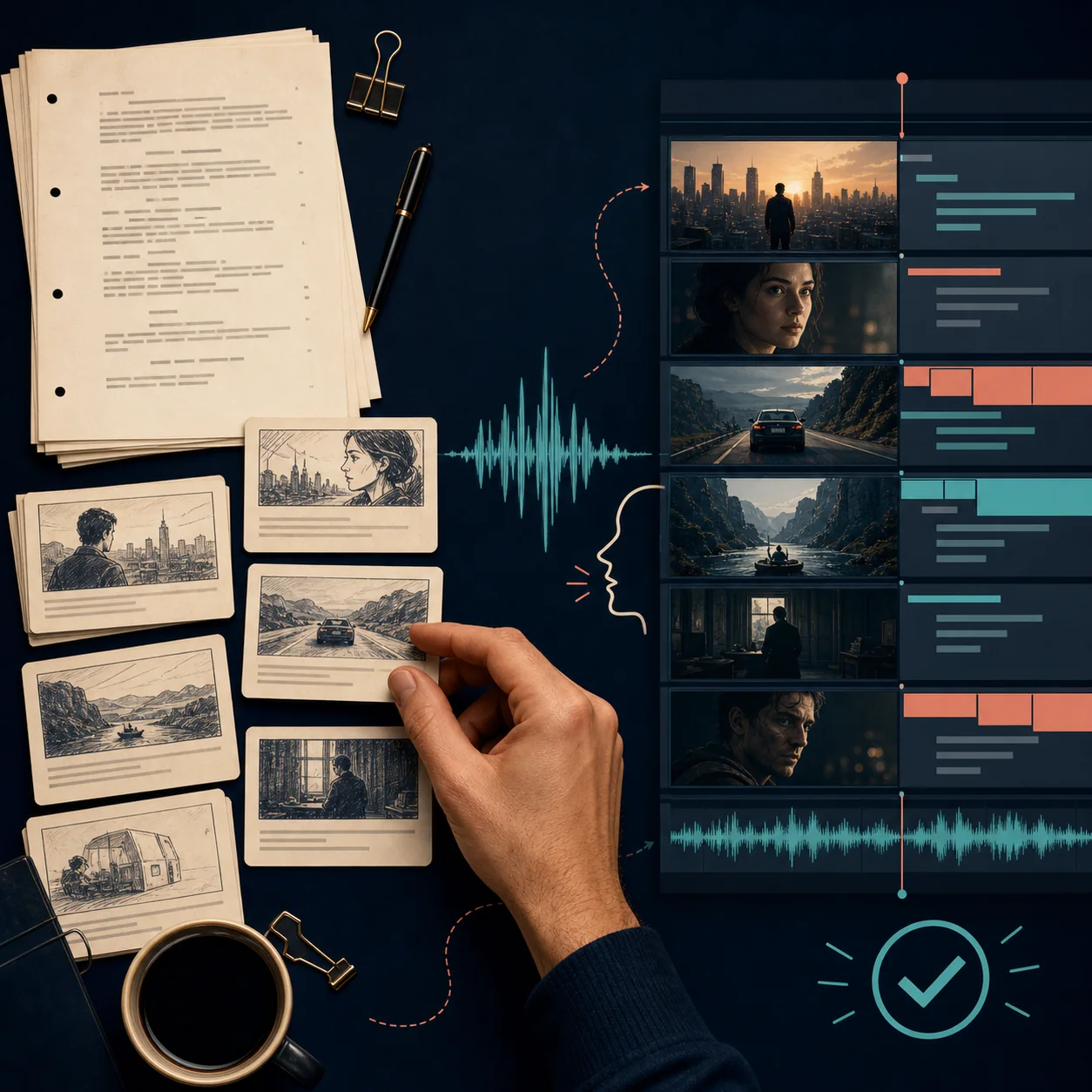
A fair test brief for any script generator
The request 'make a video about this' leaves too many choices open. Give InVideo and any alternative the same constraints so you compare the workflow rather than the prompt quality.
- Name the viewer. Say who is watching, what they already know, and what would make them leave.
- State one promise. Describe one useful result. Do not combine a tutorial, review, news update, and story in a short video.
- Fix the format. Specify tutorial, explainer, review, Short, or product demo, plus an approximate duration and aspect ratio.
- List the evidence. Provide product facts, examples, links, or source notes. Ask the system to flag missing facts instead of inventing them.
- Mark visual beats. Say where a screen recording, diagram, product shot, b-roll, or on-camera explanation is actually useful.
- Compare the same parts. Review the opening, section order, factual boundaries, spoken rhythm, visual usefulness, and amount of editing required.
Example test brief
Write a five-minute YouTube tutorial for first-time home coffee brewers who want to improve one cup without buying new equipment. Start with the mistake of changing several variables at once. Use three steps, give one real example for each, keep the tone practical, and mark any coffee science claim that needs a source. Suggest two visual beats, keep the ending to one relevant next action, and do not invent product facts.
What to edit before you publish or record
Treat the InVideo AI Script Generator output as a draft even when the workflow can continue directly into video production. Read the script aloud and watch the rough cut with the sound off once.
- The opening makes a specific promise. It gives the viewer a reason to continue without teasing an outcome the video will not demonstrate.
- The script and scenes agree. A scene adds proof, context, or emotion instead of showing a generic clip for every line of narration.
- Facts and permissions are checked. You verify numbers, names, product claims, images, music, voices, and any media that needs permission or attribution.
- The words sound natural aloud. You shorten page-like sentences, fix pronunciation, and keep examples that feel true to your audience.
- The ending has one job. The call to action follows from the video promise instead of stacking several unrelated requests.
InVideo AI Script Generator FAQ
Choose the workflow that removes the right friction
The InVideo AI Script Generator makes the most sense when writing is one step in a larger video-production workflow. Its public pages give you concrete things to test: the brief, the opening, the story, revisions, and the handoff into scenes, media, captions, and voice. They do not establish that a draft will fit your channel or perform without human review.
If your problem is simply getting from a topic to a recordable script, compare InVideo with a focused writer using the same brief. Keep the option that preserves your evidence, sounds natural aloud, and leaves the least cleanup. Then make the final script and video yours.
Related script-writing guides
Official InVideo sources
- Official script page checked on November 14, 2026 for the public workflow, inputs, revision steps, and production handoff. InVideo AI Script Generator
- Official documentation checked on November 14, 2026 for Use my script, preference settings, Agent Two, and Autopilot details. How can I create a video using my script?
Last updated: November 14, 2026