How to Write a YouTube Script: Structure, Template, and Examples
A practical writing workflow for turning one video idea into a script you can record, edit, and make your own.

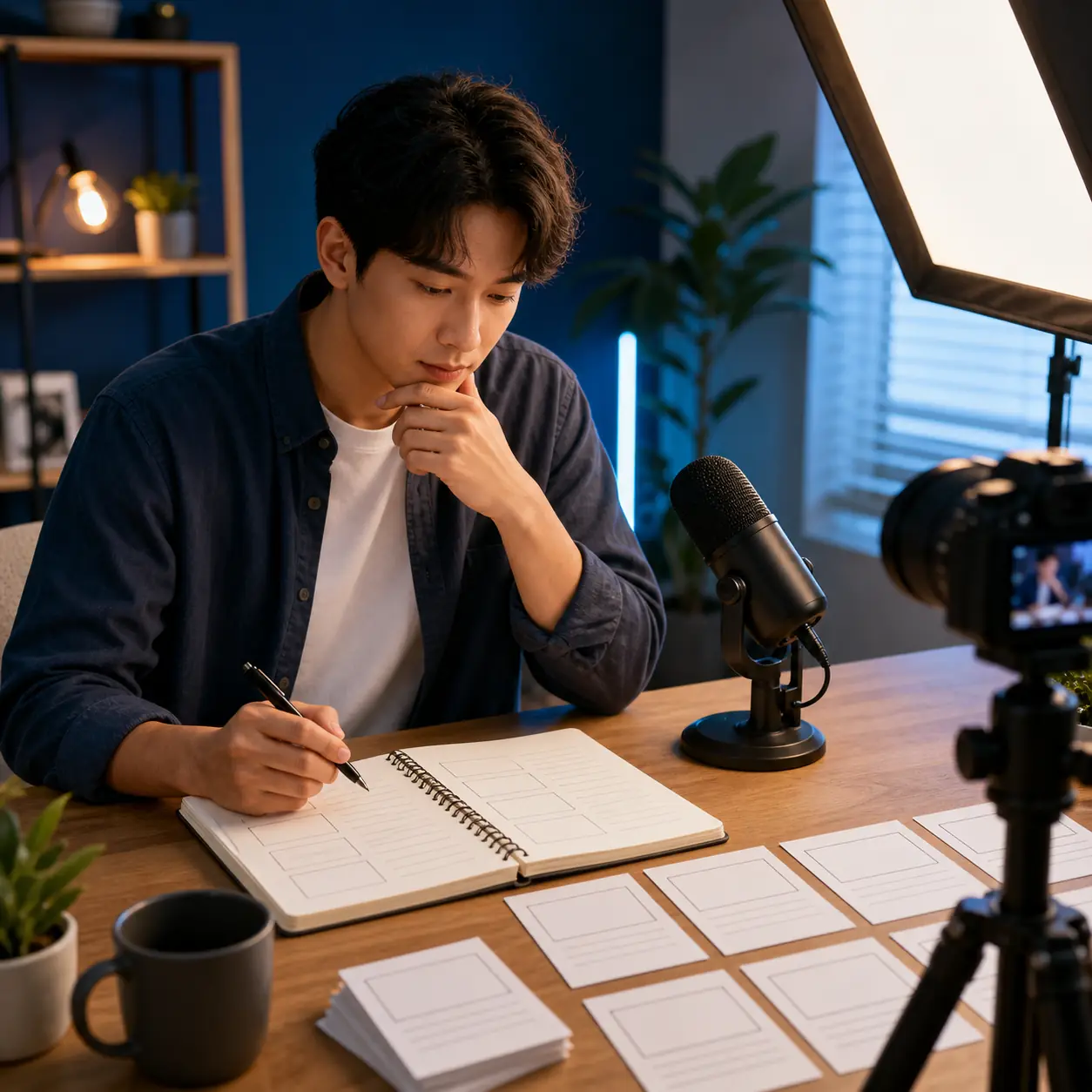
If you are searching for how to write a YouTube script, start with the viewer's next decision rather than a clever opening line. A strong draft makes the topic, audience, promise, evidence, and visual plan clear before it tries to sound polished. That is what turns a blank page into a recordable video.
This guide shows how to write a YouTube script for tutorials, explainers, reviews, commentary, and educational videos. You will see a practical outline, hook examples, a long-form versus Shorts planning table, and a template you can adapt. The goal is not to make every channel sound the same; it is to remove avoidable confusion so your own examples and voice have room.
Short answer
To write a YouTube script, define one viewer and one promise, research the points you must support, outline the hook and main beats, add visual directions, write the spoken lines, then read the draft aloud and cut anything that does not move the video forward.
For a fast first draft, you can turn the same brief into an editable starting point with the YouTube Script Generator. Try the YouTube Script Generator
What a YouTube Script Should Do
A YouTube script is a production plan for spoken words, visuals, proof, pacing, and the next action you want the viewer to take. It can be fully scripted, lightly outlined, or a hybrid. A tutorial may need exact steps; a commentary video may work better with key claims and transitions; a review needs space for evidence and fair caveats.
The best format is the one that protects the video's promise. Before writing paragraphs, make sure each section has a job and that the viewer can understand what changes from the opening to the ending.
| Part | Job | What to decide |
|---|---|---|
| Audience | Give the draft a real person to serve | A first-time creator planning a five-minute tutorial |
| Promise | Explain why the click is worth the time | Leave with a usable three-part filming checklist |
| Beats | Move the viewer through a logical sequence | Mistake, method, example, quick recap |
| Visuals | Show proof or change the rhythm | Screen capture, close-up, diagram, or B-roll |
| CTA | Offer one relevant next step | Download the checklist or watch the next lesson |
A 7-Step Workflow for Writing a YouTube Script
Use these steps in order when the idea feels too broad. You can keep the final document short; the value comes from making the decisions visible before you record.
- 1. Name the viewer. Write down what the audience already knows, what they are trying to do, and what would make them leave. A beginner and an expert may need completely different openings for the same topic.
- 2. Write one promise. Describe the result in one sentence. If the video is trying to teach, review, tell a story, and sell at the same time, split the idea before you script it.
- 3. Gather the proof. List the examples, demonstrations, sources, product details, or personal experience that will support the promise. Mark anything you still need to verify.
- 4. Build the outline. Choose three to five main beats and put them in the order that makes the viewer understand the idea fastest. Each beat should answer a question, show evidence, or create a useful transition.
- 5. Plan the visuals. Beside each spoken section, note what appears on screen. A visual should add proof, orientation, emotion, or pace; it should not merely repeat every sentence.
- 6. Write for the ear. Use shorter sentences, concrete verbs, and natural transitions. Read difficult lines aloud while writing, because a paragraph that looks elegant can still be awkward to say.
- 7. Read, cut, and mark. Read the whole draft at a normal pace, remove repeated setup, mark claims that need checking, and add a clear place for the CTA. Then revise the opening after you understand the full video.
A Practical YouTube Script Structure
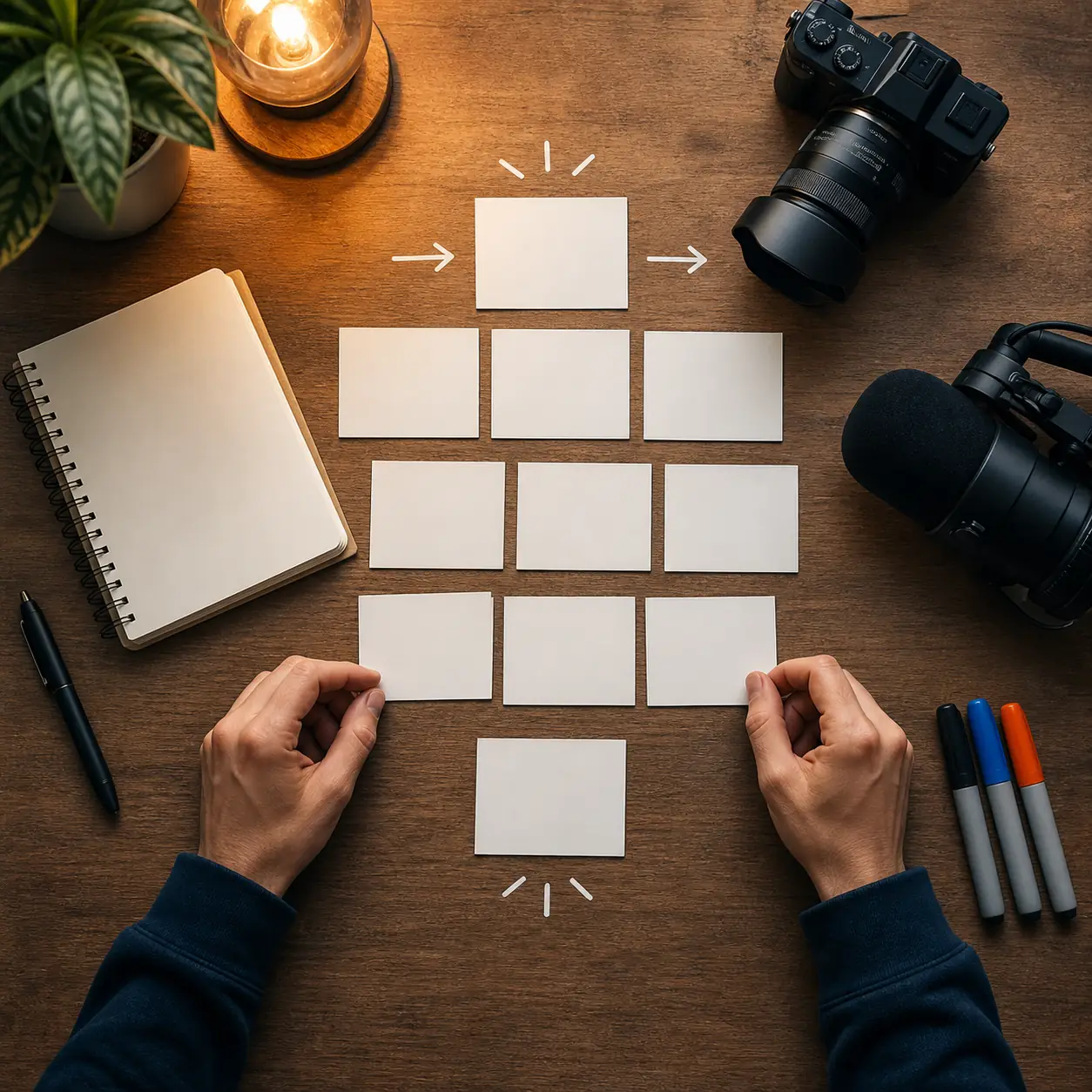
There is no single correct format, but this structure works as a reliable starting point for most long-form videos. Adjust the order when the subject, audience, or evidence demands it.
| Section | Purpose | Writing prompt |
|---|---|---|
| Hook | Make the topic and payoff specific | What problem, contrast, question, or result will the viewer understand immediately? |
| Context | Give only the background needed to follow | What does the viewer need to know before the first useful point? |
| Main beats | Deliver the promised explanation or story | What are the three to five points, and what example proves each one? |
| Pattern change | Refresh attention and clarify progress | Where can you switch visual, pace, example, question, or camera angle? |
| Payoff | Close the loop on the opening promise | What should the viewer now understand or be able to do? |
| CTA | Offer one relevant next action | What is the most useful next step after this video, and why now? |
Do not force every section to have the same length. A strong explanation may need more time in the middle, while a simple tip can move from hook to demonstration quickly. The outline is there to protect clarity, not to create filler.
YouTube Hook Examples That Set Up the Video
A hook is not a promise to be dramatic. It is the first clear reason to keep watching. Use a hook that your evidence can actually support, then move into the first useful beat before the viewer feels stalled.
Tell the viewer what they will be able to do, compare, or understand by the end. Specificity is more useful than exaggerated urgency.
Example: By the end of this video, you will have a five-minute script outline you can record today.
A mistake hook works when you can explain the cause and show a better alternative. Avoid presenting a harmless preference as a universal failure.
Example: Most first drafts spend too long introducing the topic. Here is how to reach the useful point sooner.
Contrast two ways of approaching the same task and preview the decision the video will clarify.
Example: A word-for-word script can help beginners, but a beat sheet may give experienced creators a more natural delivery.
Use a question when the rest of the video gives a direct answer. Do not hide the answer just to create artificial suspense.
Example: Should you script every line of a YouTube video, or only the moments where clarity matters most?
Plan for Long-Form, Shorts, and Other Formats
The topic can stay the same while the script shape changes. Plan around the viewer's available attention and the amount of proof the format can carry.
| Format | Plan | Check before recording |
|---|---|---|
| Shorts | One promise, fast hook, two to four beats, quick payoff | Can the viewer understand the point without a long setup? |
| 5–10 minute video | Hook, short context, three to five main beats, recap, CTA | Does every section add an example, decision, or piece of proof? |
| Tutorial | Outcome, materials or setup, ordered steps, troubleshooting, recap | Could a first-time viewer follow the steps without guessing? |
| Review | Use case, criteria, evidence, tradeoffs, recommendation | Are current facts separated from personal judgment? |
| Video essay | Thesis, context, evidence, interpretation, counterpoint, conclusion | Can the viewer tell which lines are facts and which are your analysis? |
Copy-and-Paste YouTube Script Template
Copy this outline into a document, then replace each bracket with a real decision. Do not leave the brackets in the recording draft unless they are deliberate production notes.
Simple YouTube script template
[TITLE / WORKING PROMISE]
Audience: [who is this for?]
Desired result: [what will the viewer understand or do?]

[HOOK]
Open with a specific result, question, mistake, or contrast.

[CONTEXT]
Give only the background needed to understand the first point.

[BEAT 1]
Spoken point:
Visual or proof:
Transition:

[BEAT 2]
Spoken point:
Visual or proof:
Transition:

[BEAT 3 / PAYOFF]
Show how the points answer the opening promise.

[CTA]
Offer one relevant next step.

[REVIEW NOTES]
Claims to verify:
Lines to shorten:
Visuals to capture:
If you use AI for the first draft, give it this brief instead of asking for a generic script. Keep the structure if it helps, but rewrite the language, examples, and opinions until they sound like your channel.
YouTube Script Mistakes to Avoid
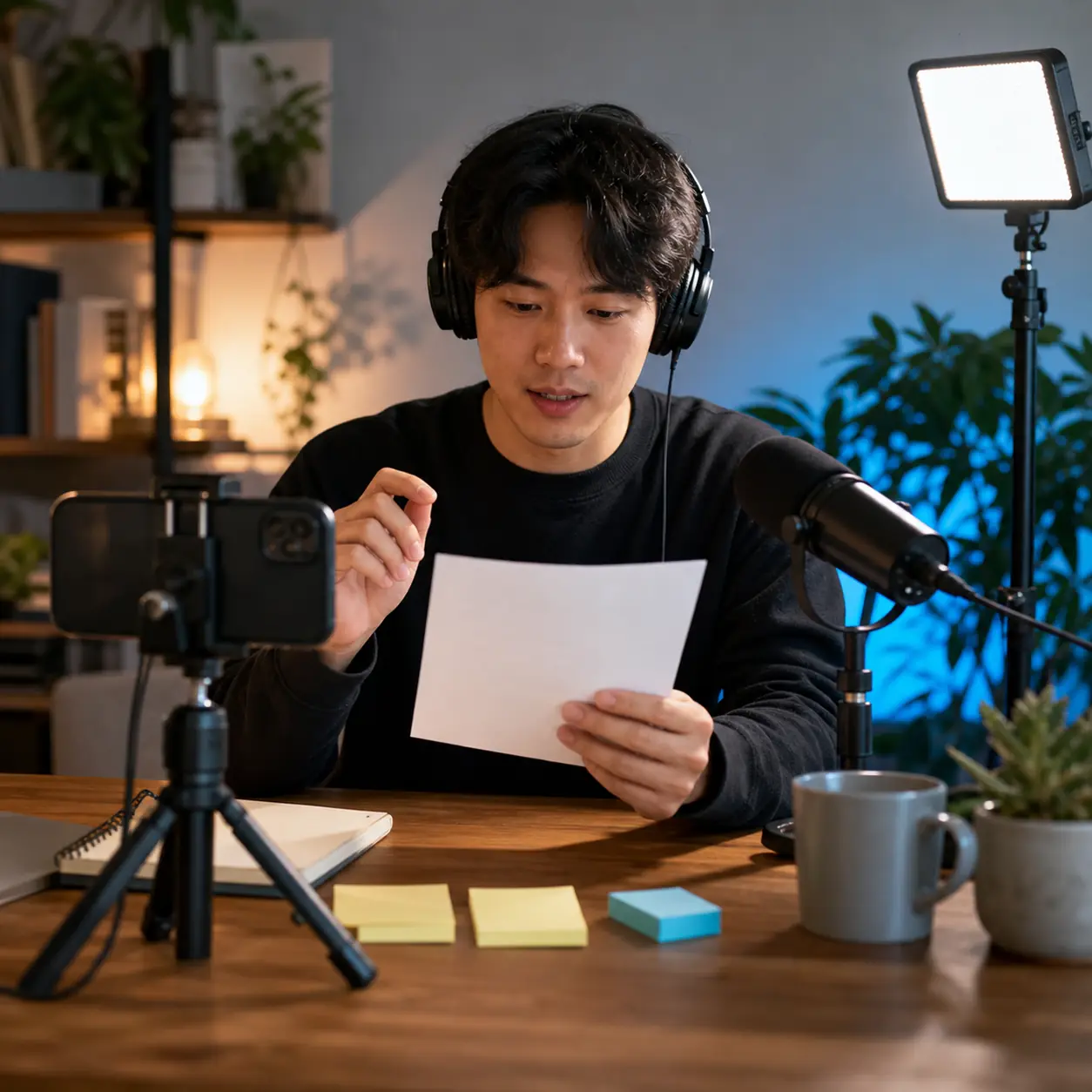
Most weak scripts do not fail because the creator lacks ideas. They fail because the viewer cannot see the promise, the sequence, or the reason each paragraph belongs.
- Starting with too much background. Move the minimum context after the hook and let the first useful point arrive early.
- Writing one long paragraph for the whole video. Break the draft into beats so you can plan visuals, transitions, and natural pauses.
- Confusing narration with the shot list. Write what is spoken and what is shown as separate decisions. A B-roll note should add information, not repeat the sentence.
- Promising more than the evidence can support. Use a smaller, honest promise when the video has limited proof. Trust is more valuable than a dramatic opening.
- Adding several CTAs. Choose one next step that fits the viewer's problem. Multiple competing requests make the ending feel like an interruption.
- Skipping the read-aloud pass. Mark breathless sentences, repeated phrases, awkward transitions, and any line you would not say to a real person.
How to Use AI Without Losing Your Voice
AI can help you turn a topic into several outlines, compare hooks, or create a rough first draft. It is most useful when you provide the audience, promise, format, length, tone, must-cover points, and boundaries. A detailed brief gives you something to edit; a vague prompt usually gives you polished filler.
Treat every generated claim, example, statistic, and product detail as a draft until you verify it. Add your experience, remove generic phrases, and read the result aloud. The final script should make the channel's point of view clearer, not hide it behind confident wording.
How to Write a YouTube Script FAQ
Write the Next Clear Version
The easiest way to write a YouTube script is to make the viewer's path visible: who they are, what you promise, what you will show, and what changes by the end. Once those decisions are clear, the spoken lines become easier to draft and easier to cut.
Start with the template, read the script aloud, and keep the examples specific to your channel. Use AI when it helps you explore structure, but keep the final promise, evidence, and voice under your control.
Related resources
Useful references
- Official guidance to check when you plan timestamps or chapters in a video description. YouTube Help: Video chapters
- Official explanation of audience-retention reports; use current analytics to review where viewers leave. YouTube Analytics: Audience retention
- A third-party format reference reviewed for common script sections, not a substitute for your own channel decisions. StudioBinder: YouTube script format
Last updated: August 11, 2026