Describe the Idea and Audience
Tell the AI script writer what you want to create, who it is for, and what the audience should learn, feel, or do. Add the platform, subject, tone, and must-cover points when you have them.
Turn a topic, outline, or rough brief into a practical video script draft with a hook, talking points, transitions, visual cues, and a closing CTA. Use it for tutorials, Shorts, explainers, product videos, social clips, and more without creating an account.
See how a video idea becomes a hook, useful beats, visual direction, and a natural ending.

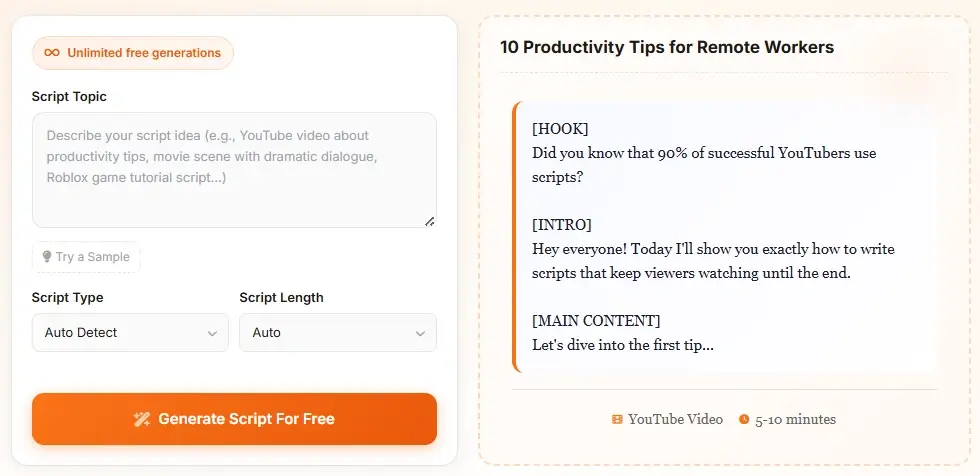
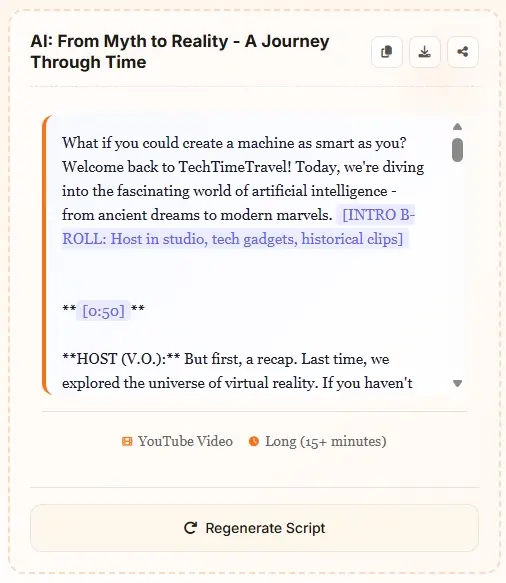
Tell the AI script writer what you want to create, who it is for, and what the audience should learn, feel, or do. Add the platform, subject, tone, and must-cover points when you have them.
Choose a video, tutorial, story, ad, podcast, dialogue, or presentation format. Select a target length so the draft can be paced for a short hook, a standard video, or a longer explanation.
Generate the draft, then copy or download it and revise the wording, facts, examples, and delivery. AI can speed up the structure, while your final edit makes the script accurate and natural.
Choose a structure that matches the job your video needs to do, from a quick social clip to a longer explanation.
| Format | Core Structure | Good For |
|---|---|---|
| Video Script | Hook → Beats → CTA | YouTube videos, explainers, creator content |
| Tutorial | Promise → Steps → Recap | How-to videos, lessons, product walkthroughs |
| Story / Scene | Setup → Conflict → Change | Short stories, scenes, character moments |
| Ad Script | Problem → Proof → CTA | Product videos, campaigns, landing-page copy |
| Podcast | Open → Segments → Close | Interviews, solo episodes, discussion outlines |
| Dialogue | Goal → Exchange → Turn | Conversation drafts and scene dialogue |
| Format | Core Structure | Good For |
|---|---|---|
| Hook or Opening | Very Short | First lines, intros, teasers, opening beats |
| Short Draft | Short | Short-form videos and quick social posts |
| Standard Draft | Medium | Most tutorials, reviews, and explainers |
| Long Draft | Long | Deep dives, lessons, and narrative videos |
| Custom Length | Flexible | Mixed formats and channel-specific pacing |
| Repeatable Series | Template | Episodes with a consistent opening and close |
The value of an AI script writer is not just producing more words. A useful draft gives you a starting structure that is easier to review, record, revise, or hand to a collaborator.
The opening should tell the audience what the script is about and why the next few minutes are worth their attention.
A sequence of beats, examples, or dialogue turns makes a draft easier to follow than a wall of disconnected paragraphs.
The ending can recap the point, invite a response, suggest an action, or set up the next part of a series.
Review every generated script for accuracy, originality, brand voice, copyright concerns, and whether the words sound natural when spoken aloud.
Use the generator as the first pass in a repeatable production workflow. A useful brief gives the draft enough context to make decisions about structure, while your review adds the facts, examples, voice, and timing that make a video feel specific. The checklist below helps you move from an idea to a recordable script.
State what the audience should learn, decide, or do by the end. A clear outcome helps the generator choose a useful opening and prevents a broad topic from becoming a list of disconnected facts. Add the audience's experience level when the explanation needs to be simple or technical.
Ask for scenes, on-screen examples, demonstrations, or chapter markers when the subject benefits from visual movement. Each beat should support one idea and give the editor something concrete to show. This makes a video script easier to film than a block of polished but abstract prose.
A Short, tutorial, product video, interview, and story need different amounts of setup. Include the platform, target duration, and tone in your prompt, then read the result aloud. Cut repeated context, keep transitions brief, and give important claims enough time to land.
Treat the generated text as a flexible production draft. Add your own examples, verify claims, replace generic phrases, and mark anything that needs footage, a graphic, a citation, or a legal review. The final script should sound natural in your voice and fit the shots you can actually make.
Start with a topic instead of a blank page. The tool turns your idea into a draft with an opening, core sections, transitions, and an ending that you can edit for your project.
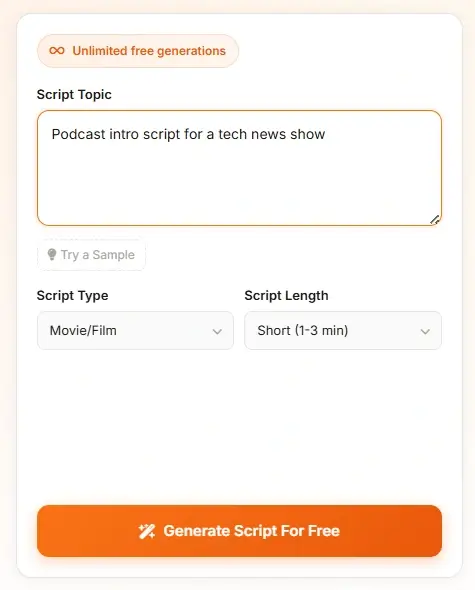
Use the same writing workflow for creator videos, tutorials, short scenes, podcast outlines, product videos, and other formats. The format selector helps the draft start with a more useful structure.
Add the audience, tone, required talking points, examples, and target length to make the first draft more relevant. A specific prompt usually gives you a better starting point than a single broad sentence.
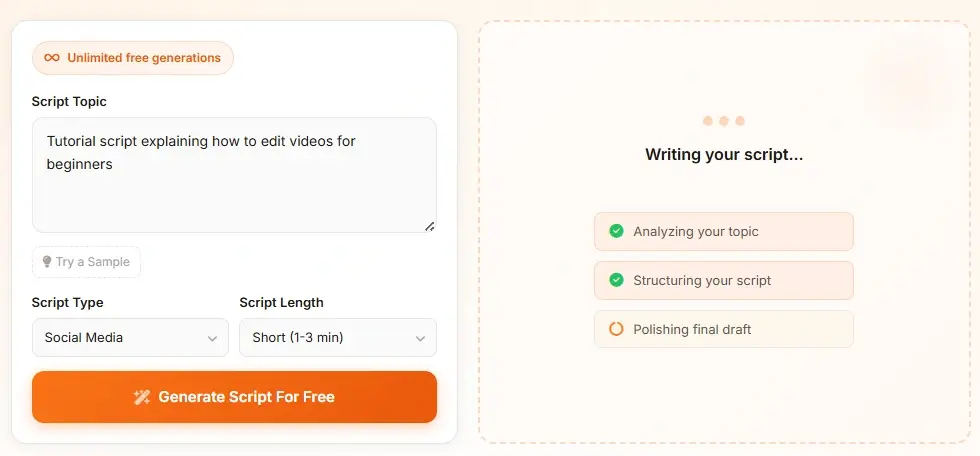
Generate a draft, copy the result into your editor, download it for later, or regenerate with a sharper angle. The no-sign-up workflow keeps early idea testing fast and easy.
A video script generator is an AI writing tool that turns a topic or brief into a structured draft for a video. It can organize a hook, introduction, talking points, transitions, visual cues, and a closing CTA so you have a practical starting point instead of a blank page.
Yes. This AI script writer is free to use and does not require sign-up for generating drafts. You can use the result as a starting point, then edit it for your audience, voice, facts, and production needs.
Yes. Describe the video topic, audience, format, and key points, then choose a video or YouTube-style format. The draft can include a hook, intro, talking points, transitions, and a CTA. For a more YouTube-specific workflow, use the YouTube Script Generator page.
AI can provide a useful first draft, but natural delivery usually requires editing. Replace generic phrases, add your own examples, check the facts, and read the script aloud before recording or publishing it.
Include the subject, target audience, platform, tone, target length, required points, and desired action. For example, ask for a five-minute beginner tutorial with three camera tips, a friendly tone, and a short invitation to subscribe.
It can help create story premises, scene beats, and dialogue drafts. For a screenplay-focused project, review the output carefully and use the dedicated AI Movie Script Generator for a more focused film workflow.
No. Treat the output as a draft. Check factual claims, originality, copyright-sensitive material, brand requirements, pacing, and whether the wording sounds like a real person before you publish or record it.