Best AI Script Generator: 10 Tools Compared by Workflow
A practical comparison for creators who need a useful first draft, the right format, and a clear reason to choose one script tool over another.

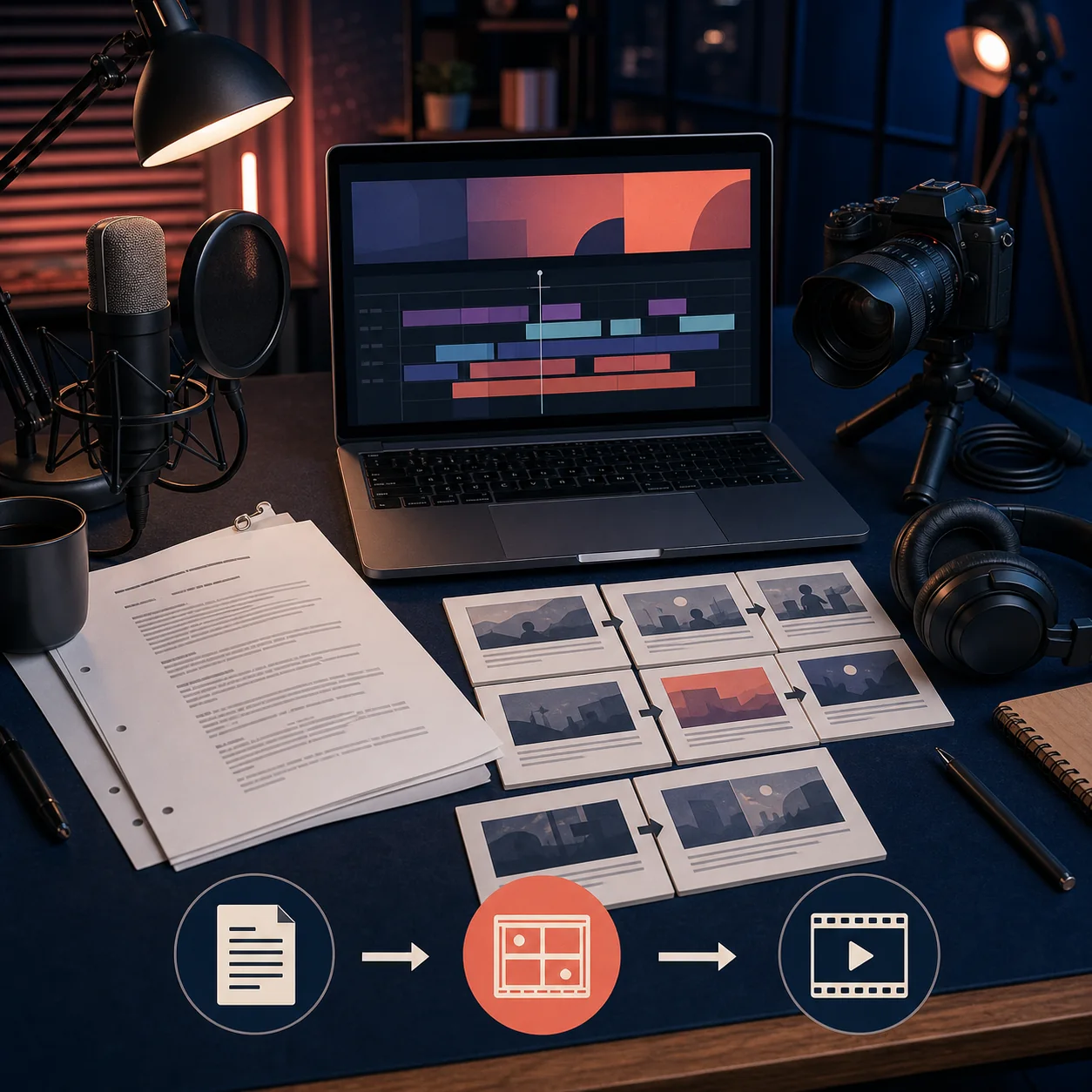
The phrase best AI script generator covers several jobs. A screenplay writer needs scene headings and dialogue formatting; a YouTube creator needs a hook, ordered points, and a call to action; a short-form editor cares about timing and caption beats. One product rarely handles every job equally well.
This comparison asks what you should use for the next draft and what you will repair afterward. It separates writing-first assistants, format-specific tools, and script-to-video platforms. Plans and rights change, so use the table as a workflow map and verify the current official plan before a large project.
Short answer
For a focused first draft, ScriptGenerator.org turns a topic, audience, tone, and format into editable copy without a production timeline. A general assistant is more flexible for rewrites, a YouTube specialist adds channel ideas, and an all-in-one platform fits projects that also need voice, media, captions, or a timeline.
Test the same brief in two or three tools, compare the opening and repair time, then keep the draft that gives you the clearest next decision. Try the AI Script Generator
How to Choose the Best AI Script Generator
A feature list does not tell you whether a script will be recordable. Use the checks below to connect the tool to the work that happens after generation.
- Format depth Look for scene headings, dialogue, spoken lines, visual cues, or short beats that match the deliverable. A generic paragraph is not a finished format.
- Brief control Specify audience, platform, tone, duration, required points, sources, and the desired action. Precise inputs reduce filler.
- Editing control Check whether you can regenerate one section, change the hook, shorten a scene, or preserve an approved line without starting over.
- Output and export Confirm whether the result is plain text, formatted copy, a teleprompter view, a shared document, or a video timeline. Verify any Fountain, Final Draft, caption, or clean-copy export.
- Free limits and ownership Compare credits, word caps, watermarks, exports, training disclosures, and commercial-use terms. A free test may not support a weekly schedule.
- Review burden Estimate fact checking, timing repair, voice editing, and visual planning. Fast generation is poor value when every paragraph needs rebuilding.

10 AI Script Generator Options Compared
These options solve different jobs, not one universal ranking. Start with the row closest to your next task and test it with your own brief.
| Option | Best for | Strength | Tradeoff | Official or internal page |
|---|---|---|---|---|
| ScriptGenerator.org | A focused first draft | Topic, audience, format, and tone become editable copy | Fact checking and production planning remain yours | AI Script Writer |
| ChatGPT | Brainstorming and rewrites | Flexible angles, structure, dialogue, and revisions | Quality depends on the brief and review | ChatGPT |
| Claude | Long drafts | Works through a large outline while preserving context | Formatting may need another workflow | Claude |
| vidIQ Script Writer | YouTube ideation | Channel-oriented topics, hooks, and angles | Less suited to screenplays or ads | vidIQ |
| Jasper | Brand marketing copy | Reusable voice guidance and team workflows | May be more than a solo writer needs | Jasper |
| Copy.ai | Campaign variations | Fast hooks, messages, and short promotions | Narrative structure needs manual work | Copy.ai |
| Writesonic | Testing content angles | Prompt-led drafting and repurposing | Heavy use can require credits | Writesonic |
| Descript | Script plus editing | Keeps transcript, captions, and timeline work close | An editor is unnecessary for text-only work | Descript |
| InVideo AI | Script-to-video assembly | Connects copy with scenes, voice, media, and a rough edit | Automatic pacing needs editorial control | InVideo |
| Squibler or screenplay software | Screenplay structure | Scene headings, dialogue, and screenplay formatting | Formatting does not guarantee story quality | Squibler |
The tools have different output boundaries. Judge a writing assistant, screenplay formatter, and script-to-video platform by the artifact you need next, then choose the smallest workflow that produces it.
Which Workflow Fits Your Project?
Use the production problem as the tie breaker. The right tool removes the next bottleneck without an unnecessary editor or subscription.
| Project | Priority | Starting point | Question to ask |
|---|---|---|---|
| YouTube tutorial | Steps and proof | Writing-first generator, then shot list | Does each step tell viewers what to see or do? |
| Short-form video | Hook and pacing | Short-form or concise writing tool | Can you edit each beat without losing the payoff? |
| Product or ad | Claims and voice | Brand-aware writer plus fact sheet | Can every claim be supported and approved? |
| Film scene | Character and format | Screenplay tool or general assistant | Does the output preserve scene logic? |
| Script-to-video | Scenes, voice, media, export | Approved script then video platform | Can you replace weak visuals and control timing? |
You do not need the most powerful product. If the task ends with text, choose writing controls; for a screenplay, prioritize format; for a reviewable cut, compare the full script-to-video chain and its export limits.
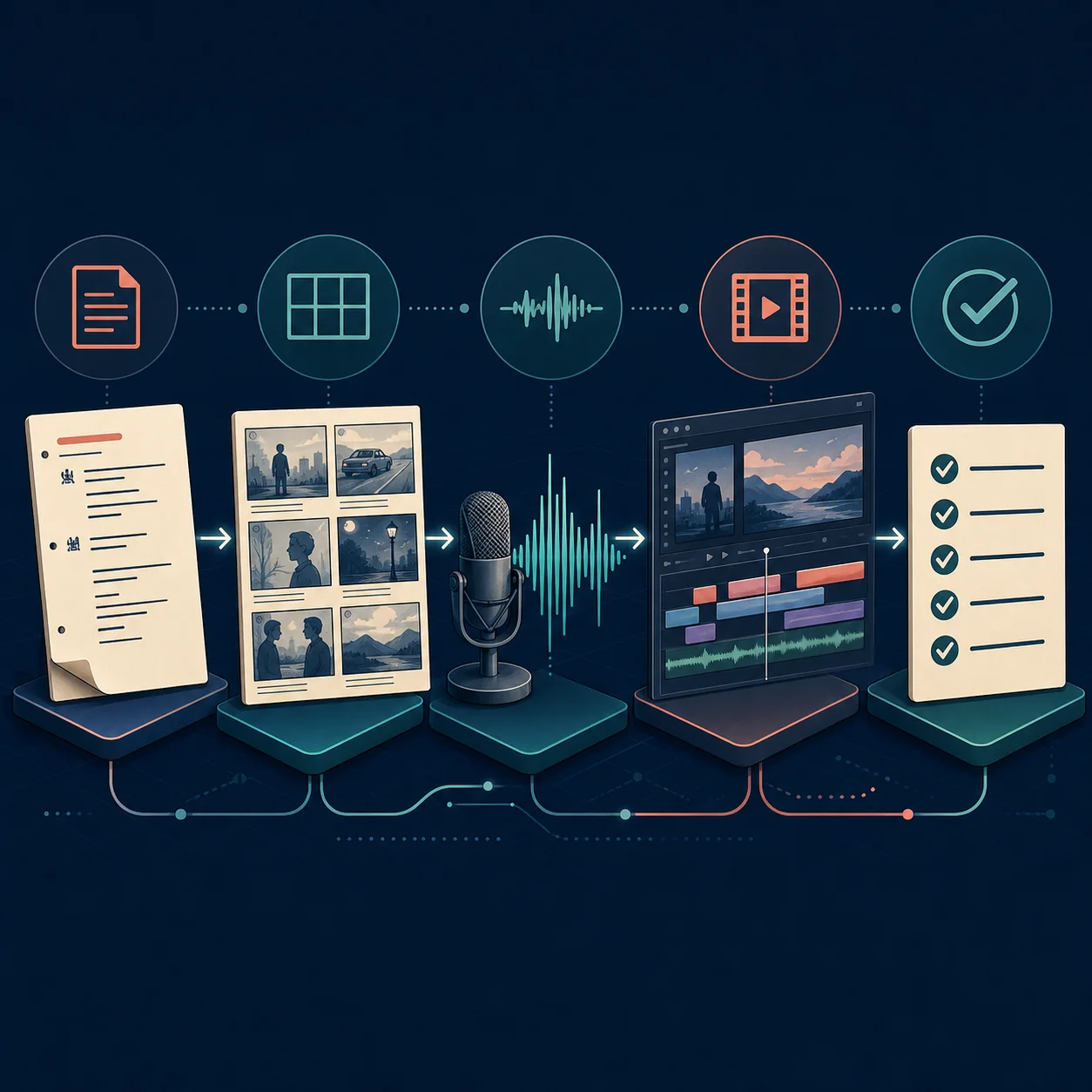
A Repeatable Test Before You Pay
Marketing pages show the best path. A side-by-side test reveals how much editing each tool creates. Keep the input identical so you measure the tools, not a changing prompt.
- Write one neutral brief. Name the audience, platform, topic, duration, tone, required points, source notes, and call to action.
- Run it unchanged. Use the same language and length. Repeat any prompt improvement for every tool.
- Score the opening. Check for a specific promise, no empty greeting, and a reason to continue.
- Score the middle. Look for useful order, examples, accurate transitions, and distinct points.
- Measure repair. Record time spent checking facts, shortening, changing tone, fixing timing, and formatting.
Test brief
Write a 75-second vertical explainer for first-time creators planning a product demo. Use a calm tone, open with the mistake of listing features before the problem, explain three beats, flag claims to verify, and end with one next step.
Limits That Change the Buying Decision
AI script tools reduce blank-page time; they do not remove editorial responsibility. Check these limits before promising a publishing schedule.
- Generic voice A fluent draft can sound like every other channel. Add your examples, opinions, rhythm, and audience knowledge.
- Confident errors Smooth prose can hide invented statistics or outdated details. Keep sources and verify claims that affect trust.
- Approximate pacing Word count is not runtime; pauses, visuals, captions, and pronunciation change duration.
- Free plans are samples Credits, watermarks, exports, history, collaboration, and rights may be limited. Test the deliverable you plan to publish.
- Format boundaries A text generator may not create a shot list, teleprompter view, screenplay file, or rendered video.
What to Review Before Publishing
Treat the generated script as a fast draft. A short human review protects the audience, channel, and people whose work appears in the final piece.
- Promise and proof The opening promise is specific and the body demonstrates it.
- Facts and sources Numbers, names, details, quotes, and dates have sources or are marked as opinion.
- Voice and inclusivity The language sounds natural, fits the creator, and avoids stereotypes.
- Rights and permissions Images, music, voices, trademarks, and excerpts are cleared or replaced.
- Timing and action A read-aloud fits the target duration and ends with one relevant action.
Best AI Script Generator FAQ
Choose the Smallest Workflow That Solves the Next Step
The best AI script generator is not the product with the longest feature page. It is the tool that gives you a draft you can actually review, edit, record, format, or hand to the next production stage. Compare the output boundary, not only the brand name.
Start with one brief, one target format, and one honest measure of repair time. Keep the tool that helps you make a clearer script while preserving your voice and your responsibility for facts, rights, and the final viewer experience.
Related resources
Product pages checked for workflow boundaries
- Official product page checked for a YouTube-oriented creator workflow. vidIQ
- Official product page checked for transcript, audio, caption, and editing workflows. Descript
- Official product page checked for script-to-video production boundaries. InVideo AI
Last updated: October 25, 2026