YouTube Shorts Script Template: Hooks, Structure, and Examples
A practical YouTube Shorts script template for turning one idea into a tight hook, useful middle, clear payoff, and natural call to action.

Table of Contents
A YouTube Shorts script template is not a smaller version of a ten-minute YouTube script. It has less room for setup, so every line should either create curiosity, explain the idea, prove the point, or move the viewer toward the ending. A good template helps you make those decisions before you start recording.
The best starting point is not a list of trendy phrases. It is a clear promise for one specific viewer. Decide what the viewer will learn, see, or feel, then write the first sentence so that promise is immediately understandable. The rest of the script should keep paying it off rather than opening new topics.
This guide gives you a reusable structure for tutorials, explainers, reviews, storytime videos, and quick demonstrations. It also shows how to shorten or expand the same idea without turning the script into rushed narration.
The five-line Shorts skeleton
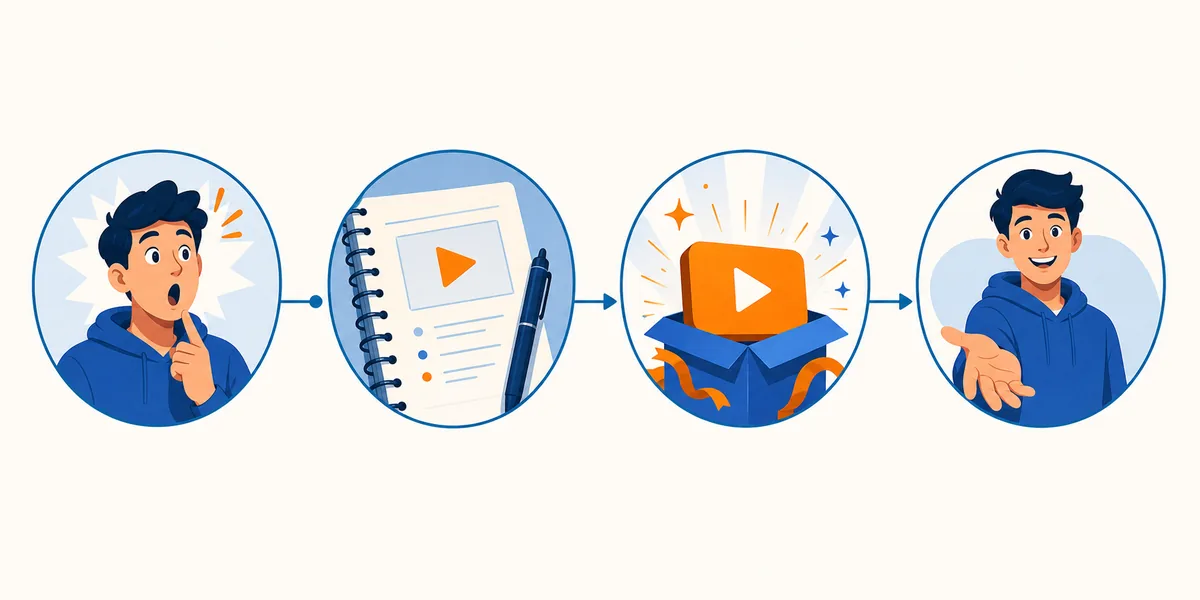
Hook the viewer, name the promise, deliver two or three beats, show the result, and close with a focused CTA. The exact wording can change, but the order gives you a draft that is easy to record and edit.
Use the template below as a starting point, then cut anything that does not make the viewer understand, feel, or do something within the first few seconds.
What a YouTube Shorts Script Needs
A strong Shorts script has a visible job for every section. The hook earns the next second, the setup gives just enough context, the middle delivers the promised value, and the ending creates a satisfying result or next action. If a sentence does not serve one of those jobs, it is a candidate for cutting.
YouTube says Shorts can be up to three minutes, but a longer limit does not mean every idea needs more runtime. Use the shortest version that delivers the promise. A 20-second tip may need one example; a 90-second explanation may need a contrast, demonstration, or short story to make the idea memorable.
| Part | Job | What to write |
|---|---|---|
| Hook | Create a reason to keep watching | Most people make this mistake before they press record. |
| Promise | Set one clear expectation | Here is the three-step fix I use instead. |
| Beats | Deliver the useful idea in order | Show the action, explain why it works, then show the result. |
| Payoff | Make the change visible | The same shot now looks cleaner without buying new gear. |
| CTA | Give one natural next step | Save this checklist for your next shoot. |
Copy-and-Paste YouTube Shorts Script Template
Replace the bracketed notes with your topic. Read the draft out loud once before filming; spoken wording usually needs to be shorter and more direct than written prose.
Shorts script template
[HOOK — 1 sentence]
Stop [audience] from [specific mistake or missed opportunity].

[PROMISE — 1 sentence]
In the next [time or number of steps], you will learn/see [clear result].

[BEAT 1 — show the first action]
Start with [simple action]. This matters because [short reason].

[BEAT 2 — add proof or contrast]
Now compare [before] with [after], or show [specific example].

[PAYOFF — make the result visible]
That is why [result or lesson] works better than [common alternative].

[CTA — one next step]
Save this for [next situation], or follow for more [specific topic].
The template is intentionally simple. Add a second beat only when it makes the result clearer. If the viewer can understand the whole lesson with one action and one example, a shorter script will usually be easier to record, caption, and rewatch.
Hook Patterns That Give You a Starting Point
A hook should create a specific question or expectation, not just announce that the video is interesting. Pick the pattern that matches your idea, then rewrite it in language your audience would actually use.
Name a common error and hint that the fix is simpler than the viewer expects.
Example: If your Shorts feel slow, check this one sentence before changing your editing.
Show or describe the outcome first, then promise the short path that produced it.
Example: This phone setup made the same room look more focused in under a minute.
Put a common approach beside a more useful alternative so the viewer wants to see the difference.
Example: Do not start your tutorial with the background; start with the decision the viewer needs to make.
Ask a question that identifies a real situation rather than a vague curiosity prompt.
Example: What should you say when the idea is good but the first line sounds generic?
How to Adapt the Script to Different Lengths
Treat duration as an editing constraint, not a target you must fill. Write the complete idea first, then remove repeated context and weak examples. The final runtime should match the amount of proof the promise needs.
| Approx. length | Recommended structure | Watch out for |
|---|---|---|
| 15–20 seconds | Hook, one action, visible result, quick CTA | Do not add a long greeting or two separate tips. |
| 30–45 seconds | Hook, promise, two beats, payoff, CTA | Keep the second beat connected to the same promise. |
| 60–90 seconds | Hook, context, three beats, example or contrast, payoff | Use visual changes so the middle does not feel like a lecture. |
| 2–3 minutes | Hook, stakes, a short sequence of steps, proof, recap, CTA | Add depth only when each extra beat improves understanding. |
For any length, read the hook and first beat without pauses. If the central promise is still unclear, cut detail before adding more. A clean short script is easier to revise than a crowded draft that tries to cover an entire topic.
Recording Checklist for a Scripted Short
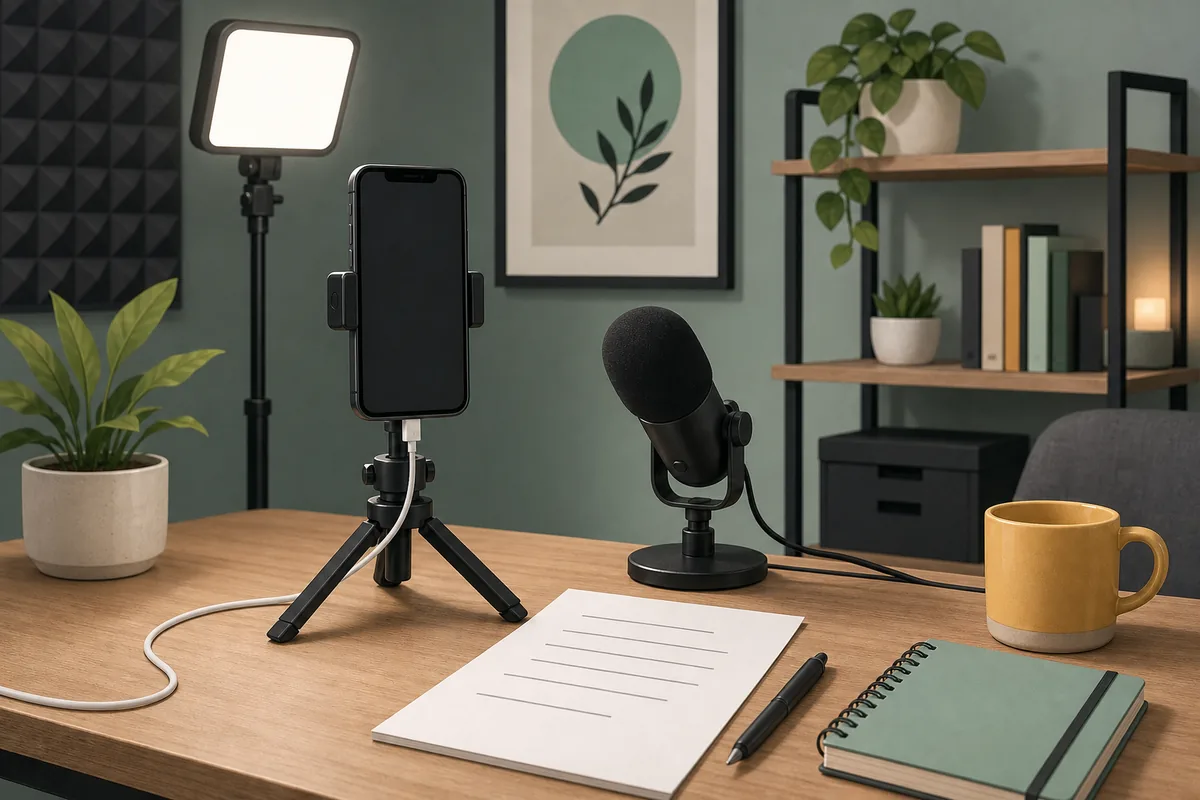
A script is useful only when it survives the move from page to camera. Before you record, check the following items:
- Read it aloud. Replace formal phrases with words you can say naturally in one breath.
- Mark the visual change. Underline the moment when you switch angle, show the example, or reveal the result.
- Protect the first line. Record two or three hook versions so you can compare clarity and energy.
- Keep one idea per beat. If a line needs several clauses, split it or turn one clause into on-screen action.
- Plan the ending before filming. Know whether the viewer should save, comment, follow, try, or watch the next video.
- Leave room for captions. Use short spoken phrases and avoid placing important meaning in fast, crowded sentences.
Common YouTube Shorts Script Mistakes
Most weak Shorts scripts do not fail because the creator lacks ideas. They fail because the idea is spread across too much setup or the ending asks the viewer to do too many things.
- Starting with a greeting: A greeting can be friendly, but it rarely explains why this viewer should stay. Lead with the problem, result, or surprising contrast first.
- Packing in multiple promises: Choose one outcome. A script that promises a tutorial, a story, and a product review at once will feel unfinished even when the information is correct.
- Writing for the page instead of the voice: Long written sentences often sound stiff on camera. Break them into short spoken units and read them aloud before you finalize the draft.
- Using a generic CTA: Tell the viewer exactly what to do next and why it is useful. One relevant action is stronger than asking for a like, follow, comment, save, and share together.
- Ignoring the visual beat: A spoken script without a planned visual change can feel flat. Add a demonstration, close-up, comparison, or reaction when the idea needs proof.
When to Use an AI Script Generator
Use a template when you already know the idea and want a repeatable structure. Use an AI script generator when you have a rough topic, several possible angles, or a blank page and need fast starting drafts. The best workflow is usually hybrid: generate options, keep the strongest promise, then edit the wording until it sounds like you.
For a YouTube Shorts draft, give the tool the audience, topic, desired duration, tone, and one action you want the viewer to take. Ask for a hook, two or three beats, a visible payoff, and one CTA. Treat the output as a draft rather than a finished performance; your examples and delivery are what make the script specific.
YouTube Shorts Script Template FAQ
A Shorts Template Should Make Editing Easier
The purpose of a YouTube Shorts script template is not to make every video sound identical. It is to protect the idea from unnecessary setup and give you a clear place for the hook, useful beats, payoff, and next step.
Start with one promise, write the shortest complete version, and add visual proof only where it improves understanding. Then read the draft aloud and remove anything you would not say naturally to a real viewer.
If you need several angles before choosing one, use the template as your brief for an AI draft, then keep the final edits specific to your audience, example, and delivery.
Related resources
- Video Script Template - Start with a broader copy-and-paste structure for tutorials, explainers, product demos, and ads.
- YouTube Script Generator - Turn a Shorts idea into a draft with a hook, beats, payoff, and CTA.
- Best Free AI Script Generators - Compare ways to create a first draft when you do not want to start from a blank page.
Sources
- YouTube Help: Understand 3-minute YouTube Shorts - Official guidance used for the current Shorts duration note; check the source for platform changes.
Last updated: August 2, 2026