FREE Unlimited · No Sign-Up · Built for YouTube

YouTube Script Generator for Shorts, Tutorials, and Long Videos

Use our free YouTube script generator to turn a rough idea into a clear video script with a hook, intro, talking points, transitions, and a CTA. Create YouTube Shorts scripts, tutorial scripts, review scripts, explainer scripts, and vlog outlines in seconds with no sign-up required.

Unlimited free generations

3 Camera Tricks That Make Any Phone Video Look Better

[HOOK] Your phone camera is better than you think, but most creators waste it in the first five seconds. [INTRO] In this video, I will show you three simple camera tricks that instantly make your YouTube footage look cleaner and more professional. [TALKING POINT 1] Use window light instead of overhead room light. [TALKING POINT 2] Lock focus before you start talking. [CTA] If you want more beginner-friendly YouTube filming tips, subscribe and watch the next video.
YouTube Tutorial 3 minutes

YouTube Script Examples

See how our AI YouTube script generator can structure hooks, key sections, and CTAs for the video formats creators use most.

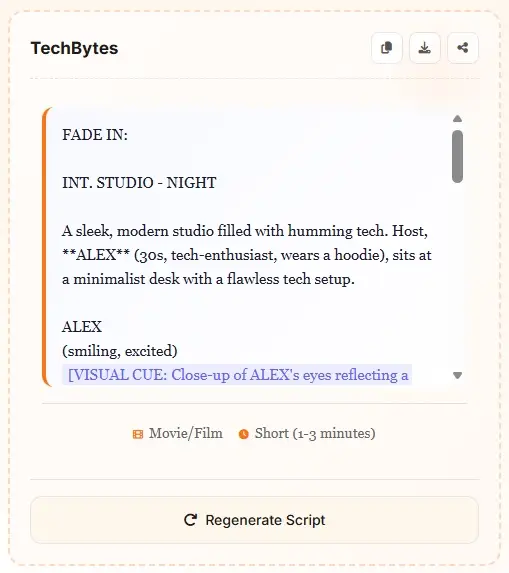
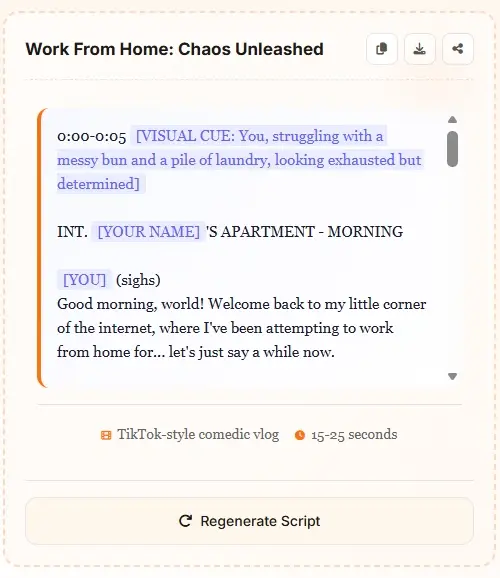
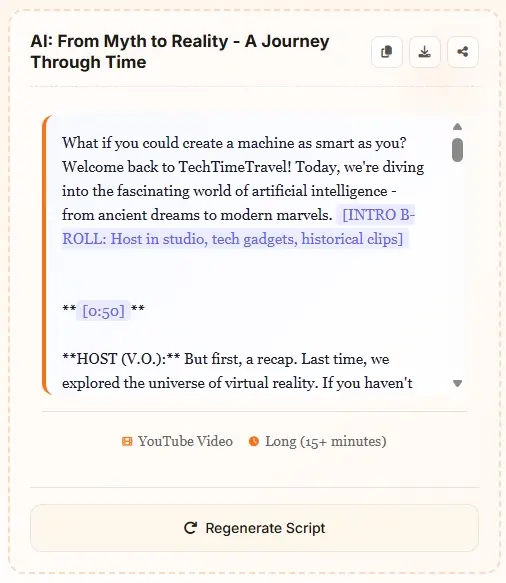
YouTube tutorial script example generated by AI
YouTube productivity script example with talking points and CTA
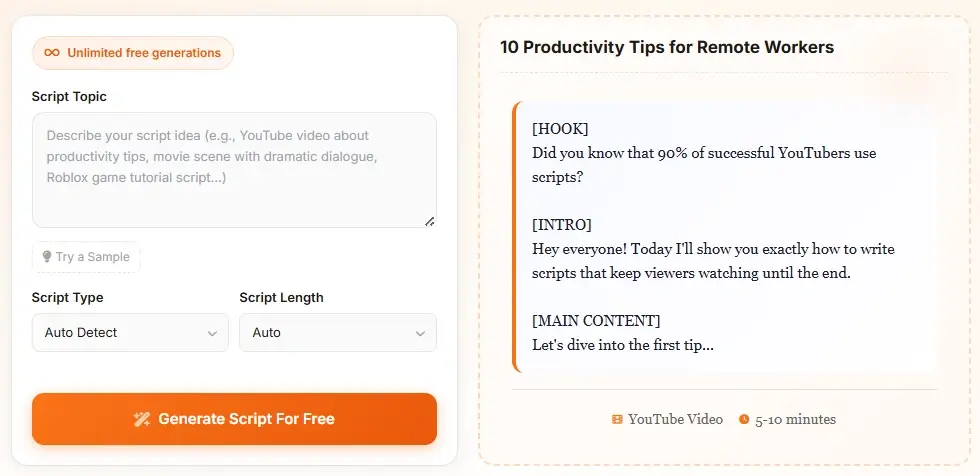
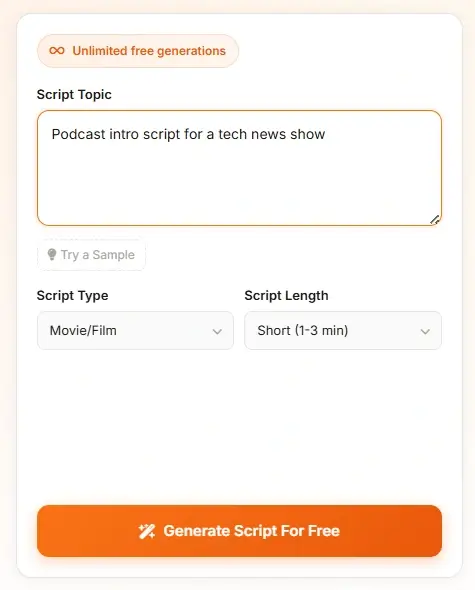
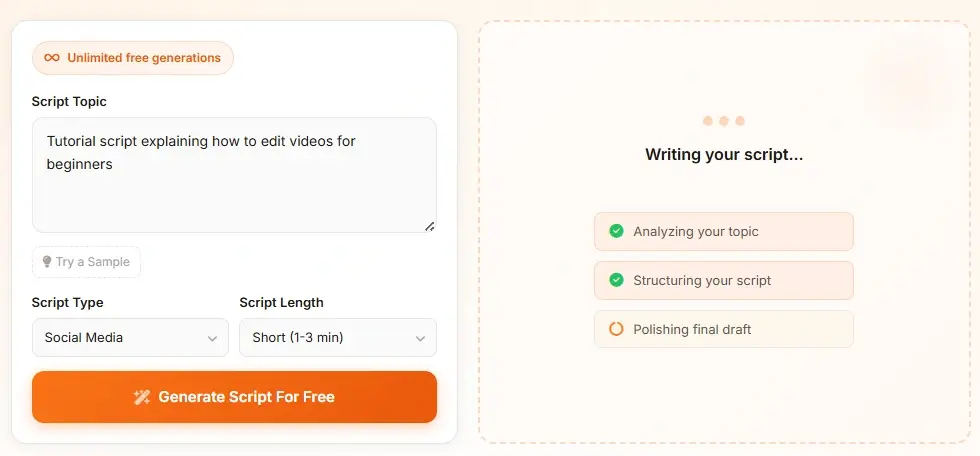
YouTube script generator input and output example

How to Use the YouTube Script Generator

Step 1

Describe the Video You Want to Make

Enter your topic, audience, and angle. A strong prompt gives the YouTube script generator more context, so mention whether you are making a tutorial, review, explainer, vlog, or YouTube Shorts script. You can also include your main points, desired CTA, or channel tone.

Step 2

Choose a Format and Length

Select the video format and target length that best matches your goal. This helps the AI YouTube script generator decide whether to lead with a fast hook for Shorts, a clear intro for tutorials, or a stronger problem-solution structure for review and explainer videos.

Step 3

Generate, Refine, and Record

Get a ready-to-edit YouTube video script with a hook, intro, talking points, transitions, and a CTA. Use it as a fast first draft, adjust the wording to match your voice, and record with a structure designed to keep viewers oriented from the opening seconds to the final CTA.

Best YouTube Script Formats for Different Videos

Choose the structure that matches your channel, viewer intent, and target watch time.

Core Video Types

Format Structure Best For
Tutorial Script Hook → Steps → Recap How-to videos, walkthroughs, creator education
Review Script Hook → Verdict → Details Product reviews, software tests, comparisons
Explainer Script Hook → Problem → Explanation Concept breakdowns, commentary, niche education
Vlog Script Cold Open → Story Beats → CTA Lifestyle channels, creator-led narrative videos
Shorts Script Fast Hook → Payoff → Prompt 1-3 minute Shorts, micro-tutorials, fast tips
List Video Script Promise → Points → CTA Top tips, ranked ideas, list-style content

Length & Delivery

Format Structure Best For
30-60 sec Hook Very Short Openers, intros, teaser clips, Shorts starts
1-3 min Shorts Short Fast, tightly edited YouTube Shorts scripts
5-10 min Video Medium Most tutorials, explainers, product reviews
10+ min Video Long Deep dives, commentary, educational content
Custom Structure Flexible Mixed formats, sponsor reads, channel-specific pacing
Repeatable Series Template Recurring episodes with stable opening and CTA patterns
Viewer Retention

Why a Strong YouTube Script Matters

A YouTube script generator is not just a time-saver. It helps creators shape the part of the video that matters most: the opening. According to YouTube creator guidance, the first seconds and the first 30 seconds matter because that is where viewers decide whether the video is worth their attention. A better script gives you a stronger hook, a clearer promise, and a cleaner transition into the main value of the video.

Start with a clearer hook

A good YouTube script generator helps you say what the viewer will get, why it matters, and why they should keep watching. For tutorials, that often means previewing the result early. For reviews, it may mean teasing the verdict before you explain the details.

Keep the middle organized

Many videos lose momentum because the script wanders. A structured YouTube video script keeps talking points in a logical order, adds transitions between sections, and avoids repeating the same idea. That makes recording easier and helps the audience stay oriented.

End with a natural CTA

Whether you want viewers to subscribe, leave a comment, or watch the next video, the final CTA works better when it is part of the script from the start. The AI YouTube script generator can build that CTA into the draft so the ending feels connected instead of pasted on.

What this means for creators

Use AI to speed up the first draft, then edit for voice, accuracy, and pacing. The best YouTube scripts are structured enough to guide the viewer, but flexible enough to sound natural when you speak them on camera.

Free AI YouTube Script Generator for Real Creator Workflows

This YouTube script generator is designed for the way creators actually plan videos. Instead of giving you a blank page, it turns a rough topic into a draft with a hook, intro, core talking points, transitions, and a CTA. That makes it useful for creators who need to move from idea to recording fast, especially when they are producing on a deadline or batching content for the week.

Free YouTube script generator for creators producing video content

Write Shorts, Tutorials, Reviews, and Explainers

Not every YouTube script follows the same structure. A Shorts script needs speed and a quick payoff. A tutorial needs a clear sequence. A review needs a verdict and evidence. An explainer needs a simple flow from problem to understanding. This page is tuned for those YouTube use cases, so the script output is more relevant than a generic AI writing tool.

AI generated YouTube Shorts and video scripts for different channel formats

Built Around Hooks, Talking Points, and CTAs

A useful YouTube video script is more than a wall of text. The script should help you open strong, explain clearly, and land a meaningful CTA. That is why the page focuses on the sections creators care about most: the opening hook, the intro promise, the central talking points, the transitions that keep the video moving, and the CTA that pushes the next action.

YouTube script structure with hook intro talking points and call to action

No Sign-Up, Fast Drafts, Easy Iteration

Many creators search for a YouTube script writer because they want less friction, not another account wall. This tool stays simple: open the page, describe the video, and generate a script. If the angle is wrong, regenerate. If the script needs a stronger opening, tweak the prompt and try again. That speed is part of the value, especially for creators testing titles, thumbnails, and hooks around the same core topic.

YouTube script writer interface showing a fast AI drafting workflow

YouTube Script Generator FAQ

What is a YouTube script generator?

A YouTube script generator is an AI writing tool that turns a video idea into a structured script. Instead of starting from a blank page, you get a draft with a hook, intro, talking points, transitions, and a CTA. It is useful for tutorials, reviews, explainers, vlogs, list videos, and YouTube Shorts.

Can AI write a YouTube video script that sounds natural?

Yes, AI can create a strong first draft for a YouTube video script, especially when you give it a clear topic, target audience, and angle. The best approach is to let the tool build the structure, then edit the wording so it matches your voice, examples, and on-camera delivery.

Can I use this tool as a YouTube Shorts script generator?

Yes. The page is built to support both standard YouTube videos and Shorts. If you need a YouTube Shorts script, choose a shorter target length and ask for a fast hook, a quick payoff, and a short CTA. That usually produces tighter output for 30-60 second clips and 1-3 minute Shorts.

What should I include in my prompt for better YouTube scripts?

Include the topic, target audience, video type, and your main points. For example, instead of writing only 'camera tips,' write 'a 5-minute YouTube tutorial for beginner creators about three phone camera tips that improve lighting and framing.' The more concrete the prompt, the easier it is for the AI YouTube script generator to produce a relevant draft.

How long should a YouTube script be?

That depends on the format. A hook for a Shorts opener may only need 30-60 seconds of spoken content. A standard tutorial or review may need a 5-10 minute structure. Longer educational videos often need 10+ minutes of script coverage. The point of a YouTube script writer is not to force one length, but to match the script structure to the goal of the video.

Does a better script help with viewer retention?

A better script can help because it improves the opening, clarifies the value of the video, and keeps the middle section organized. It does not guarantee performance, but it gives you a clearer structure for the first seconds, the first 30 seconds, and the closing CTA, which are all important parts of the viewer experience.

Is this YouTube script generator free to use?

Yes. The tool is free to use and does not require sign-up for script generation. That makes it useful for creators who want to test several video angles, script hooks, or Shorts ideas quickly without adding friction to the writing process.

Should I publish AI-generated YouTube scripts without editing?

No. You should treat the output as a first draft. Review the facts, simplify sections that feel too dense, and adapt the lines to the way you naturally speak. AI is strongest when it helps you structure the video faster, while you still make the final script sound like your channel.